
tuis
sounds like "tuyss"
Your home, your data. Household management that stays on your network.
sounds like "tuyss"
Your home, your data. Household management that stays on your network.
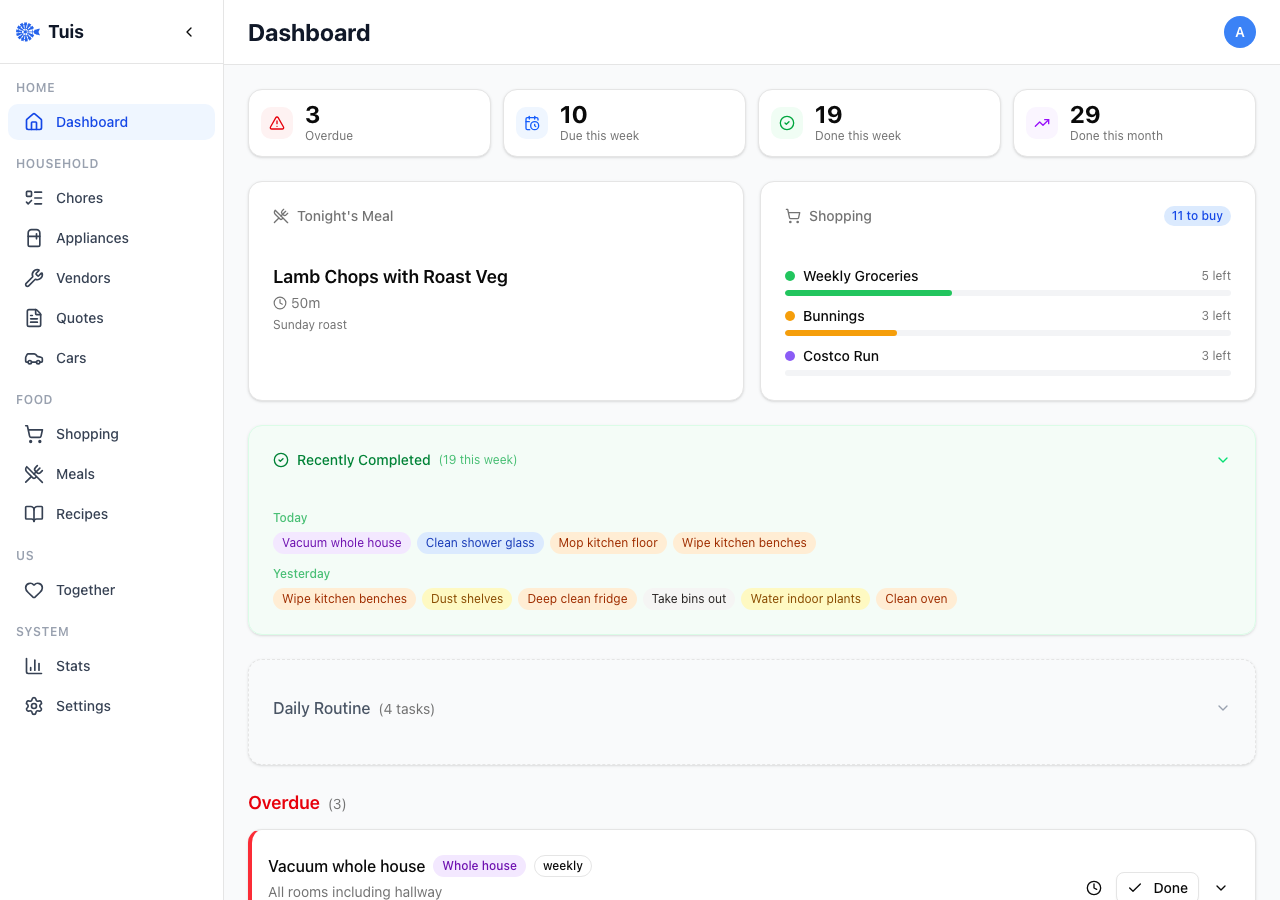
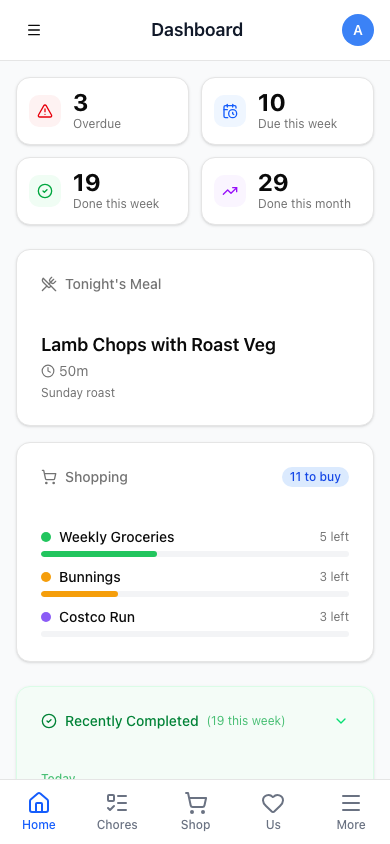
Tuis is Afrikaans for "at home" — and that's exactly where your data belongs. A self-hosted household management app built with Next.js and SQLite. No cloud accounts, no subscriptions, no data harvesting. Just a single container on your home network that handles everything a household needs.
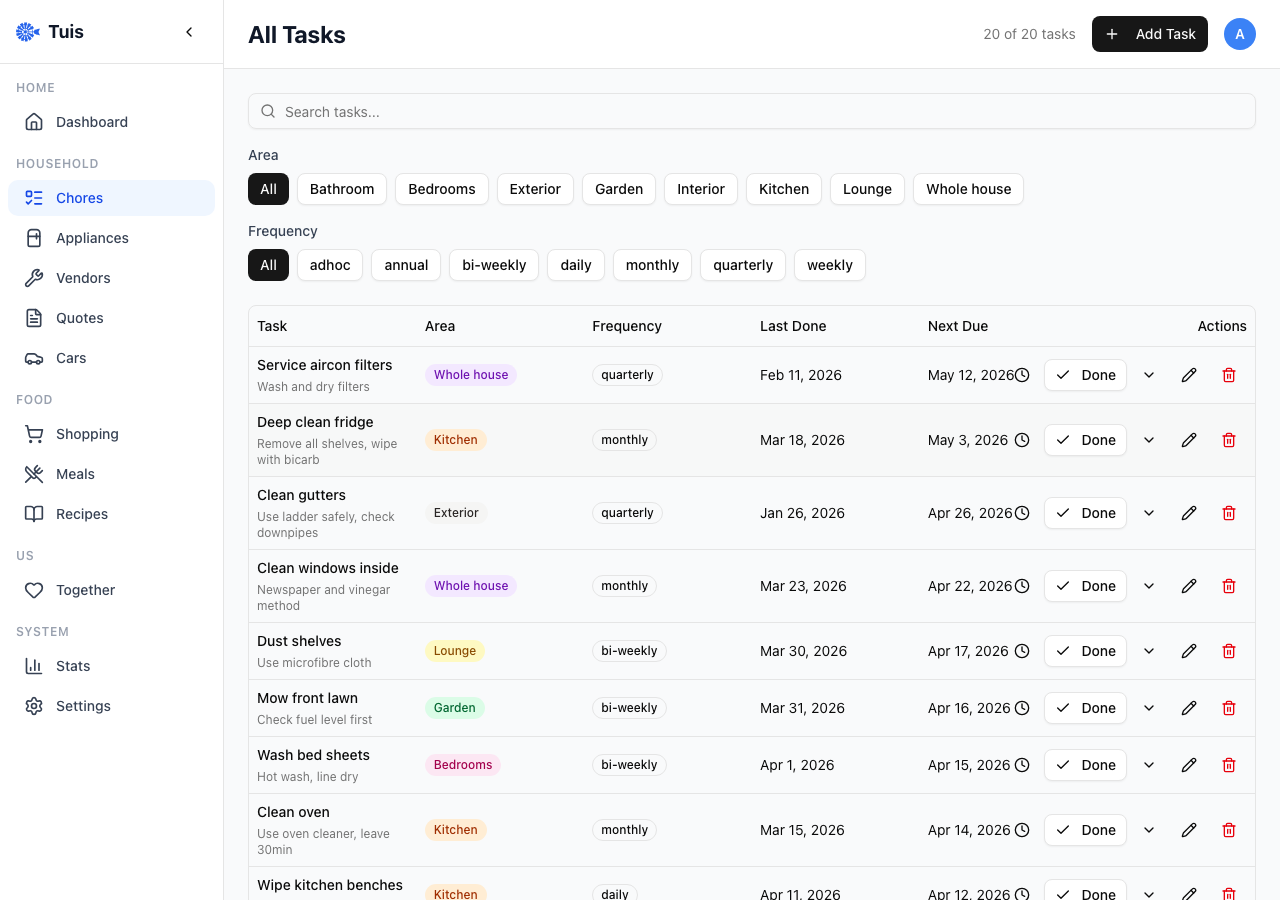
Recurring tasks with area/frequency filters, status grouping, completion tracking, and snooze. Never argue about who cleaned the bathroom last.
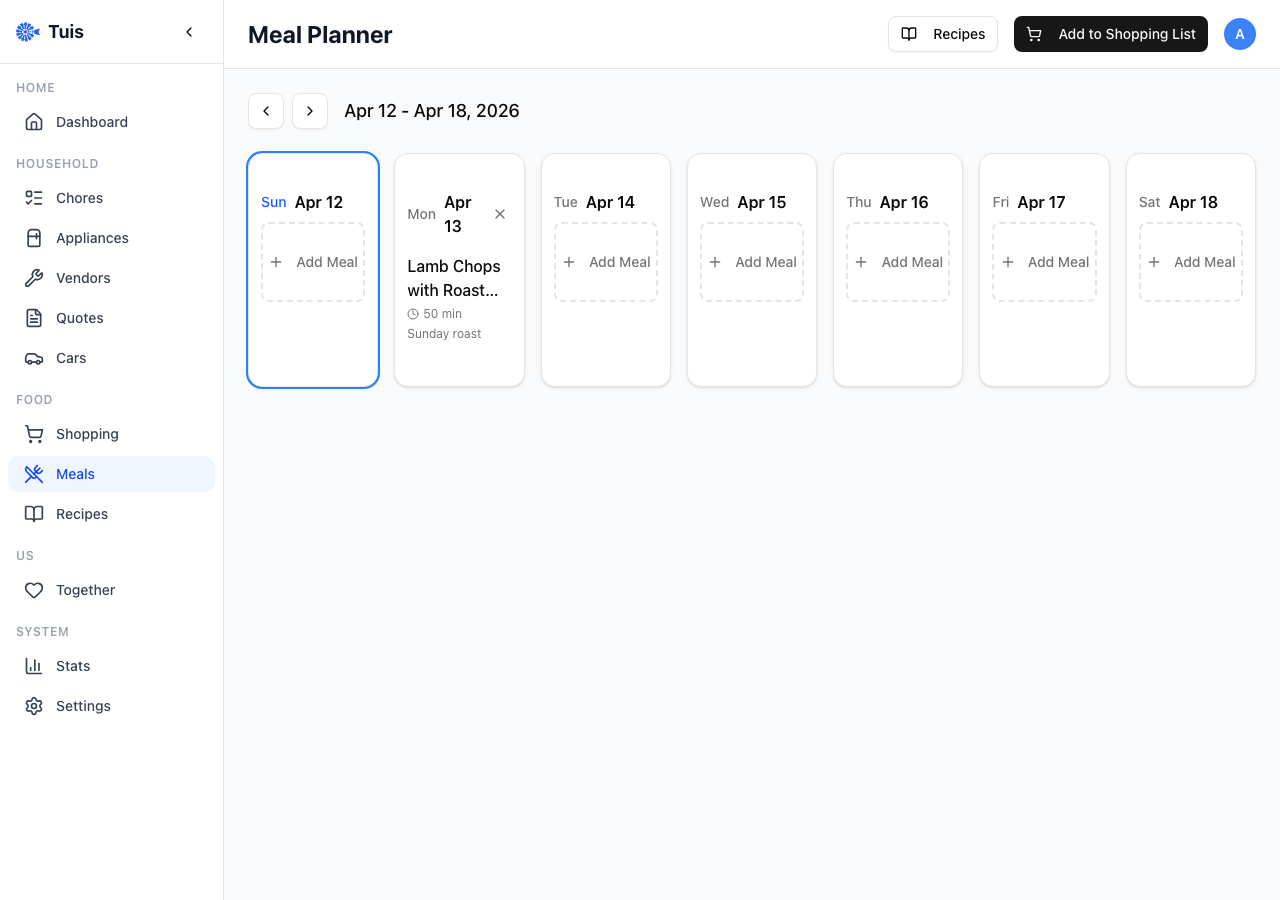
Weekly meal planner with recipe picker, custom meals, servings multiplier, and ingredient aggregation for shopping lists.
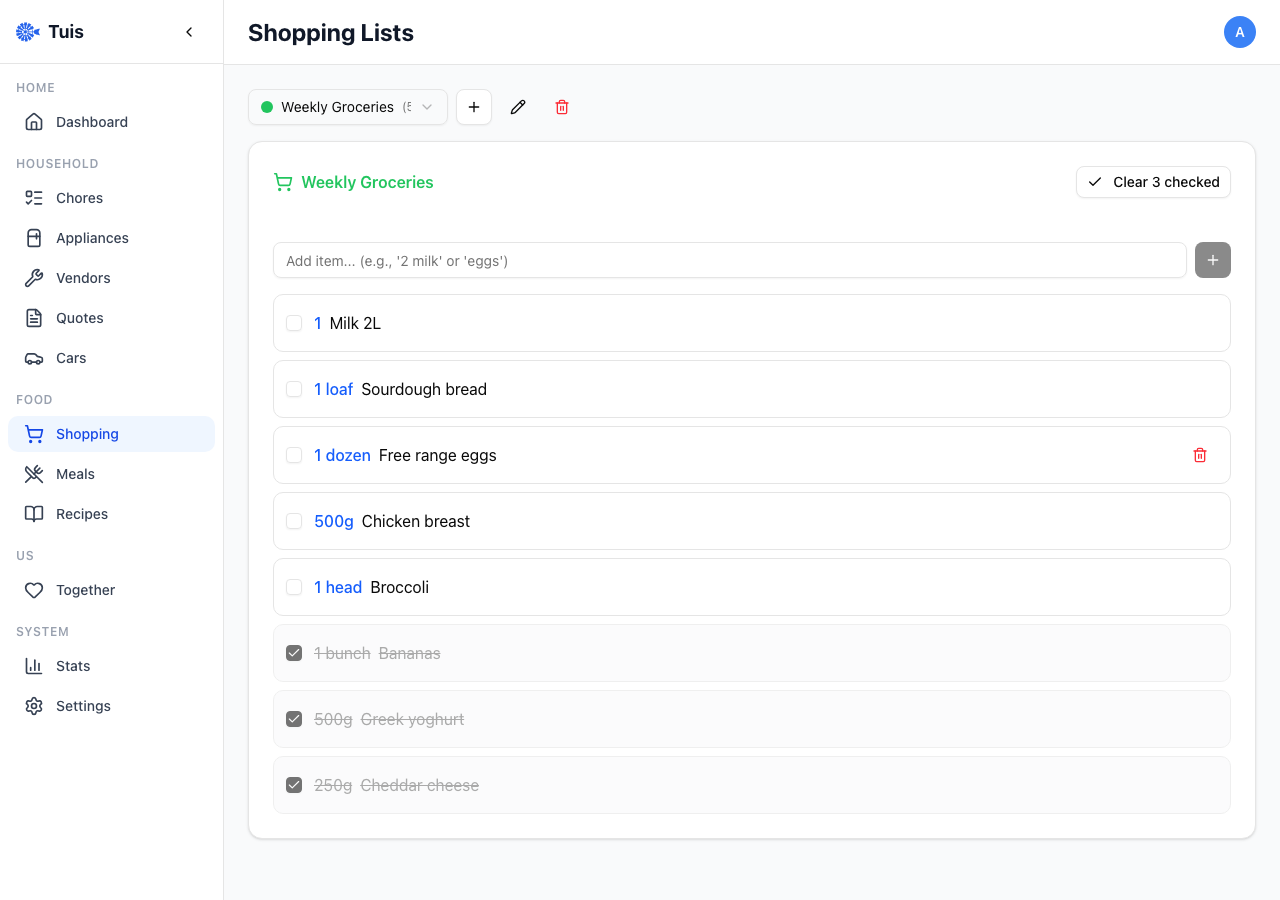
Multiple colour-coded lists with items, quantities, check-off, autocomplete, and one-tap "add missing ingredients" from meals.
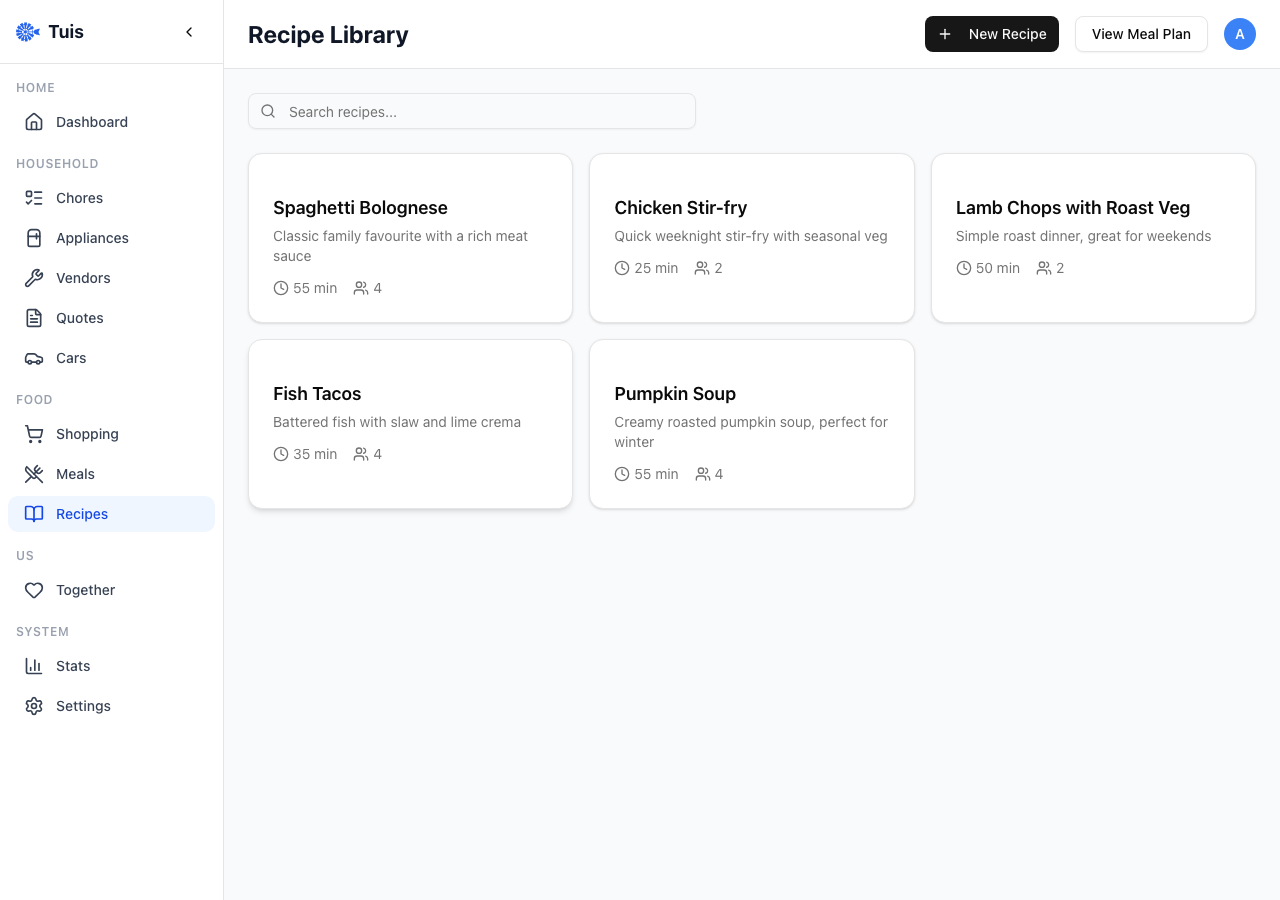
Structured recipe library with ingredients (amount, unit, section), prep/cook times, and automatic scaling.
Track brand, model, warranty dates, linked chores, and service history. Know when things were last serviced.
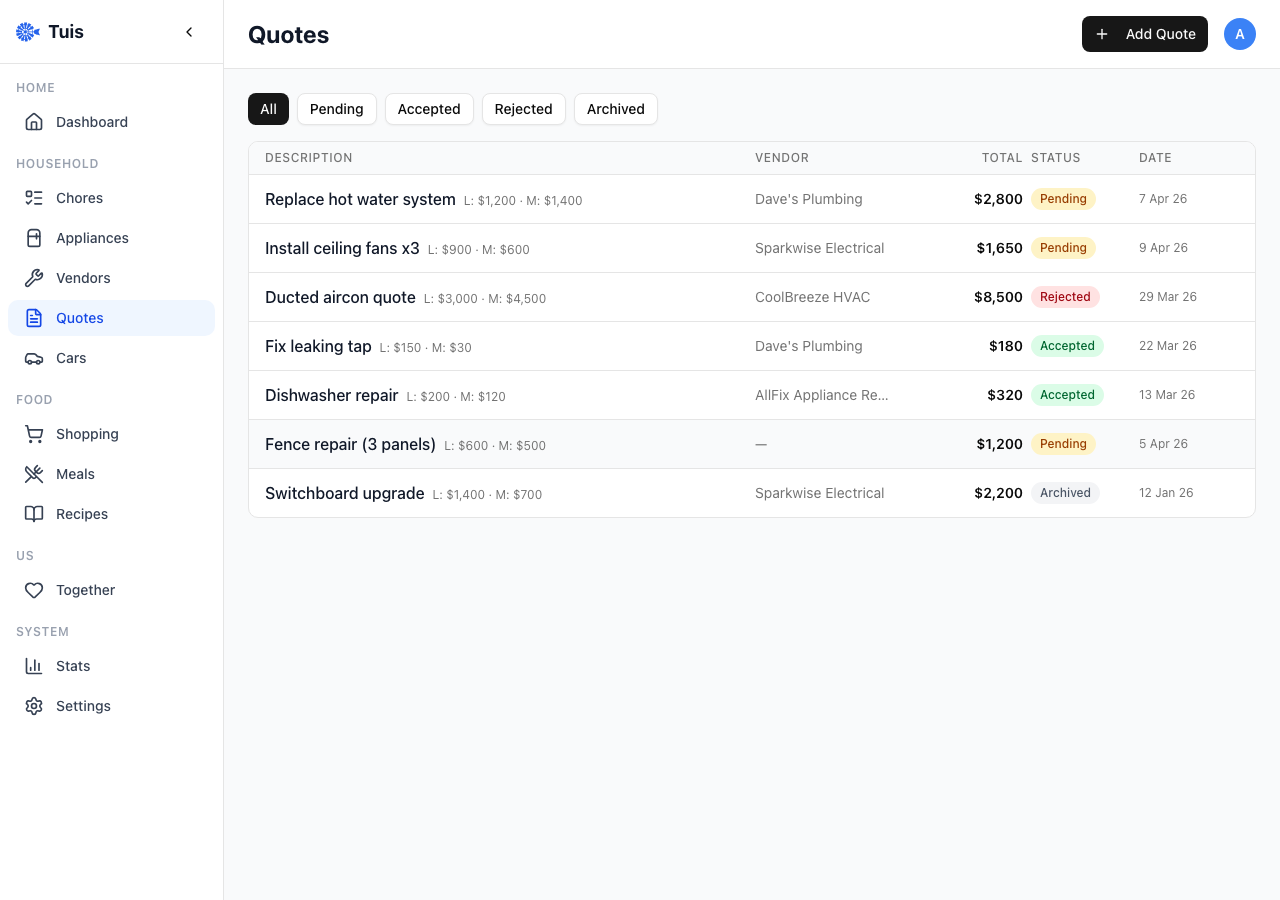
Manage service providers with ratings and job history. Compare quotes with labour/materials breakdown side by side.
Integrates with Actual Budget for home maintenance spend tracking. See your budget alongside vendor quotes.
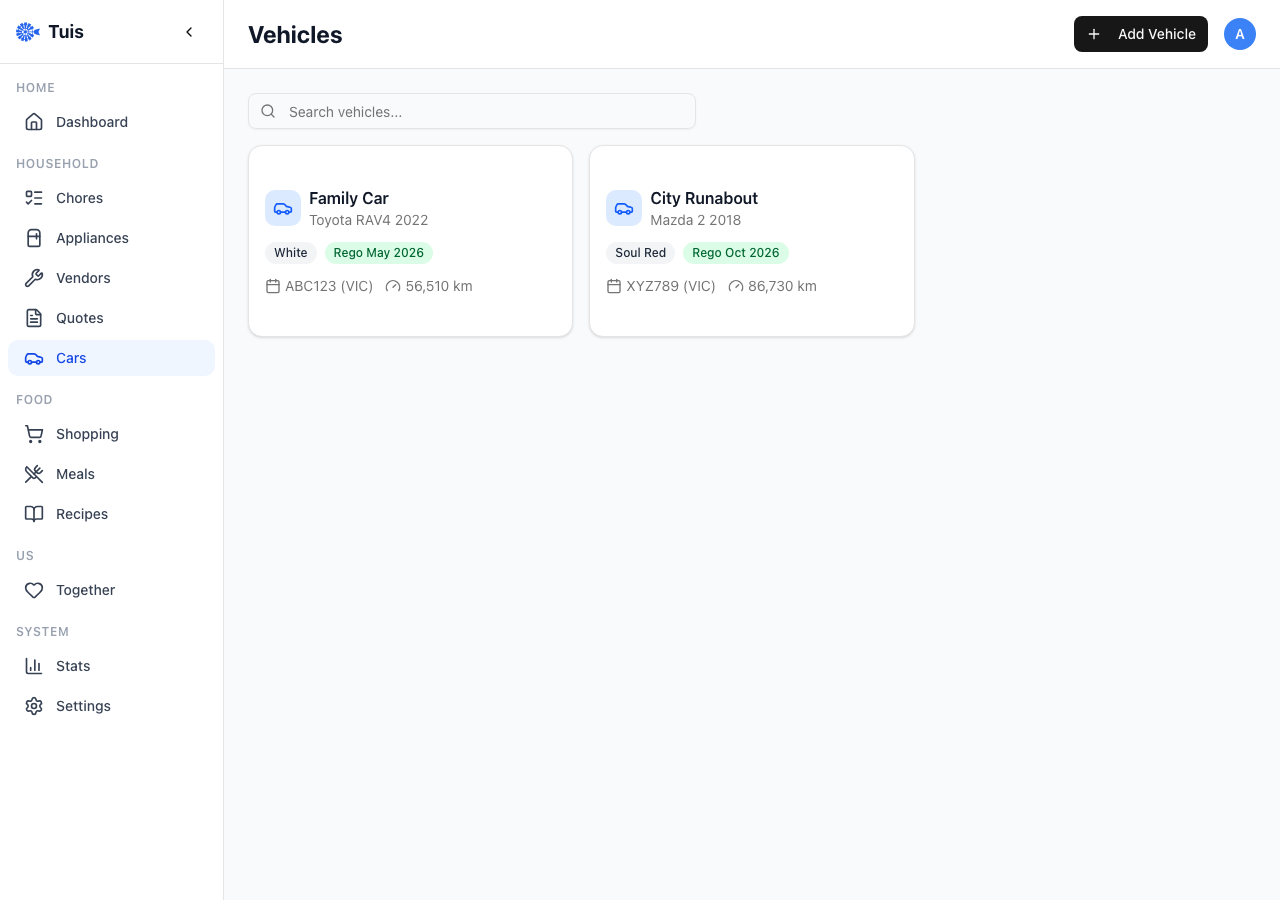
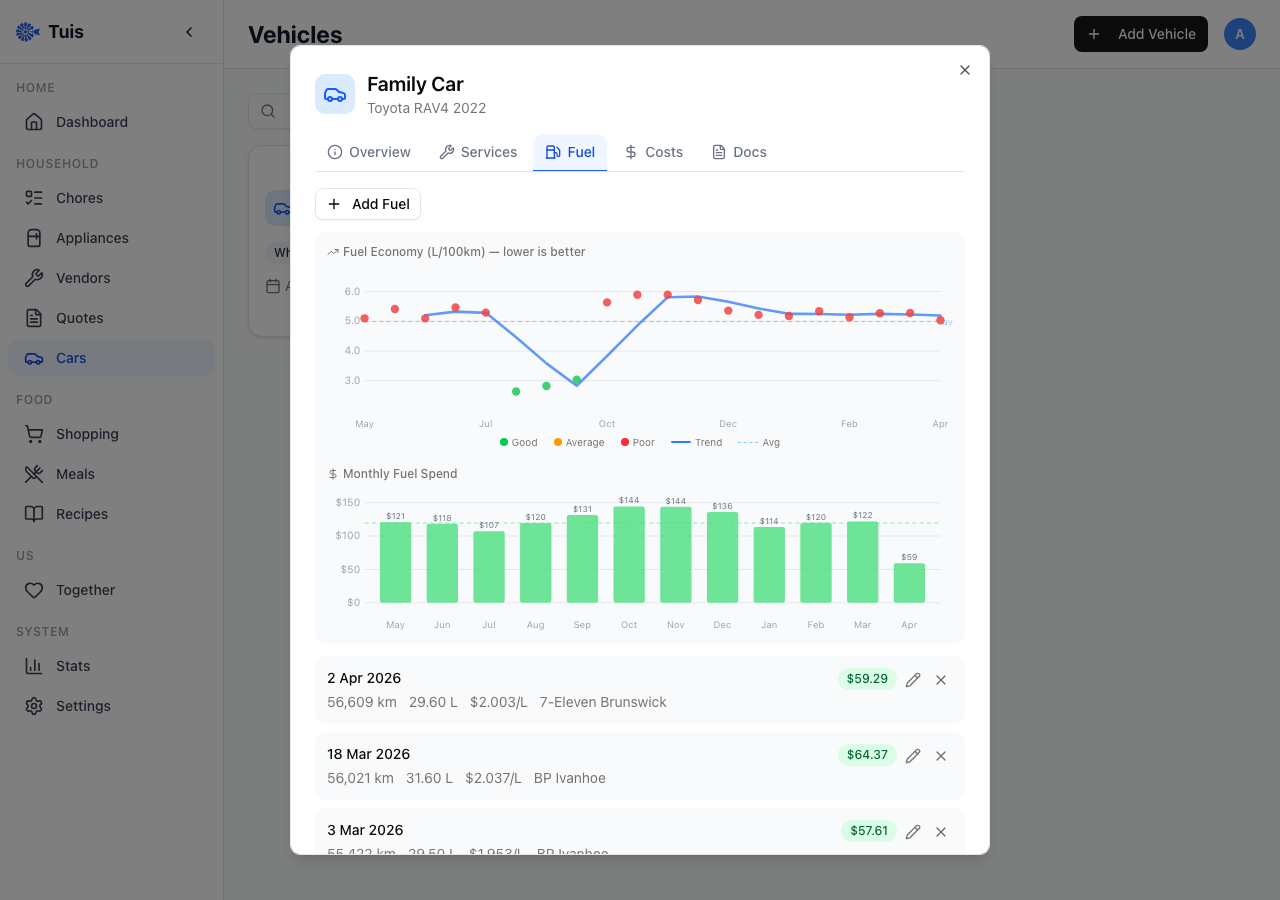
Full vehicle management: service history, fuel economy tracking with charts, service interval reminders, cost-of-ownership breakdown, registration, insurance, and warranty tracking.
Task completion analytics with trends, area breakdown, and household contribution tracking.
Your household data stays in a SQLite file on your server. No third-party databases, no analytics, no telemetry. You own it completely.
Runs entirely on your local network. Access it via a VPN like Tailscale when you're out. If the internet goes down, Tuis doesn't.
Deploy once, use forever. No monthly fees, no feature gates, no premium tiers. The full app is the only tier.
One SQLite file, one Docker volume. Back it up however you like — rsync, borg, or just copy it to a USB drive.
# Create a directory for Tuis
mkdir tuis && cd tuis

# Download the compose file
curl -O https://raw.githubusercontent.com/3stacks/tuis/main/deploy/docker-compose.yml

# Start it up
docker compose up -d
Then open http://your-server:6969 in your browser. That's it.
See the full documentation for environment variables, Actual Budget integration, and reverse proxy setup.